Report
The Investigation report takes all annotations made in any Investigation Searches, and puts all of that information in one consolidated place. Every detection with an annotation is displayed, along with a thumbnail, the annotation note, and geolocation (if available).
The events are displayed in chronological order. Additionally, custom notes can be added. Notes are a useful way to outline other events which may have happened in an investigation, which weren't necessarily captured on video.
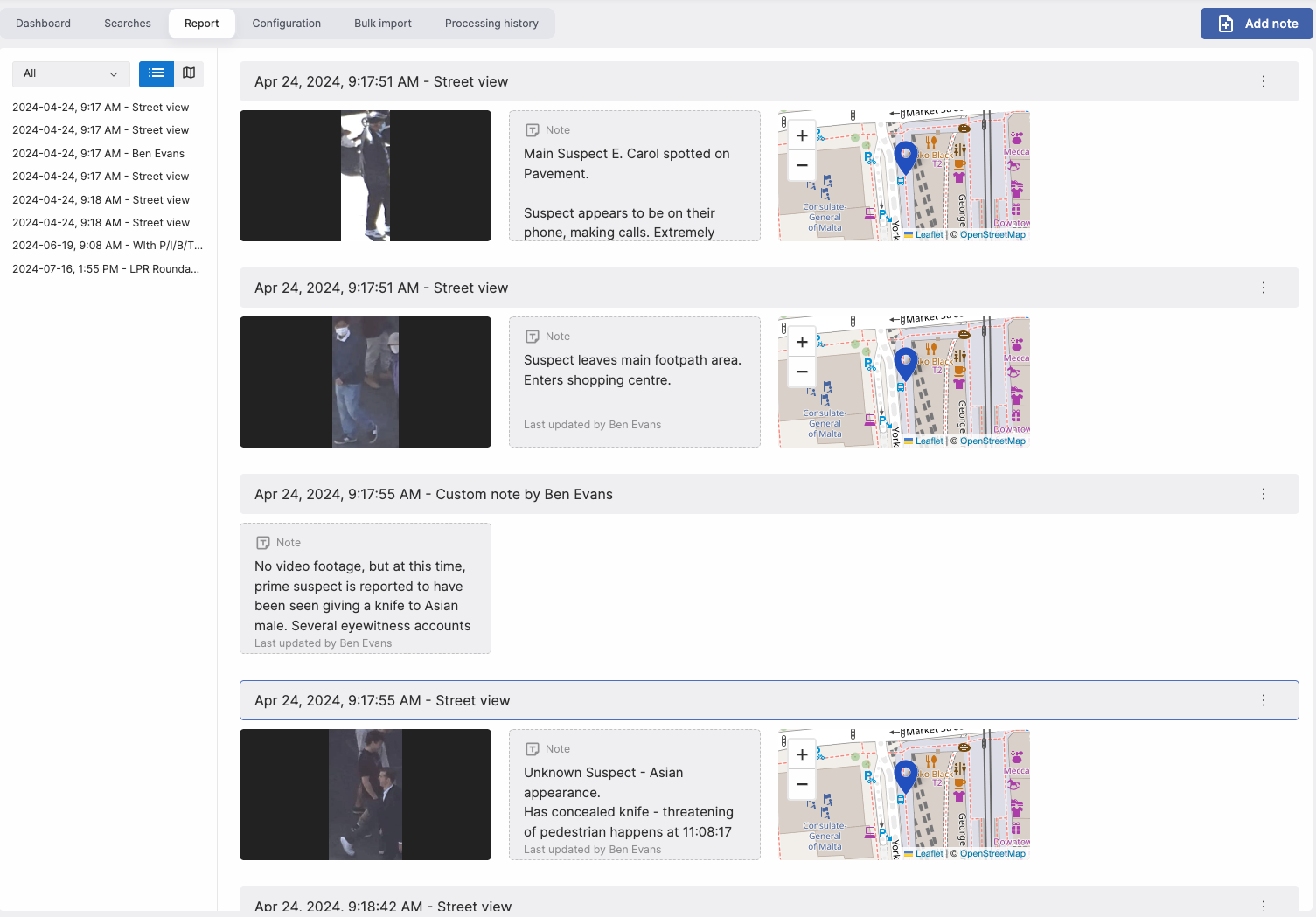
On the left hand side, all detections are displayed in order. You can click any of the items to scroll the report to that section. Additionally, if you click on the notes, map, or thumbnail, you'll be brought to the relevant detection.
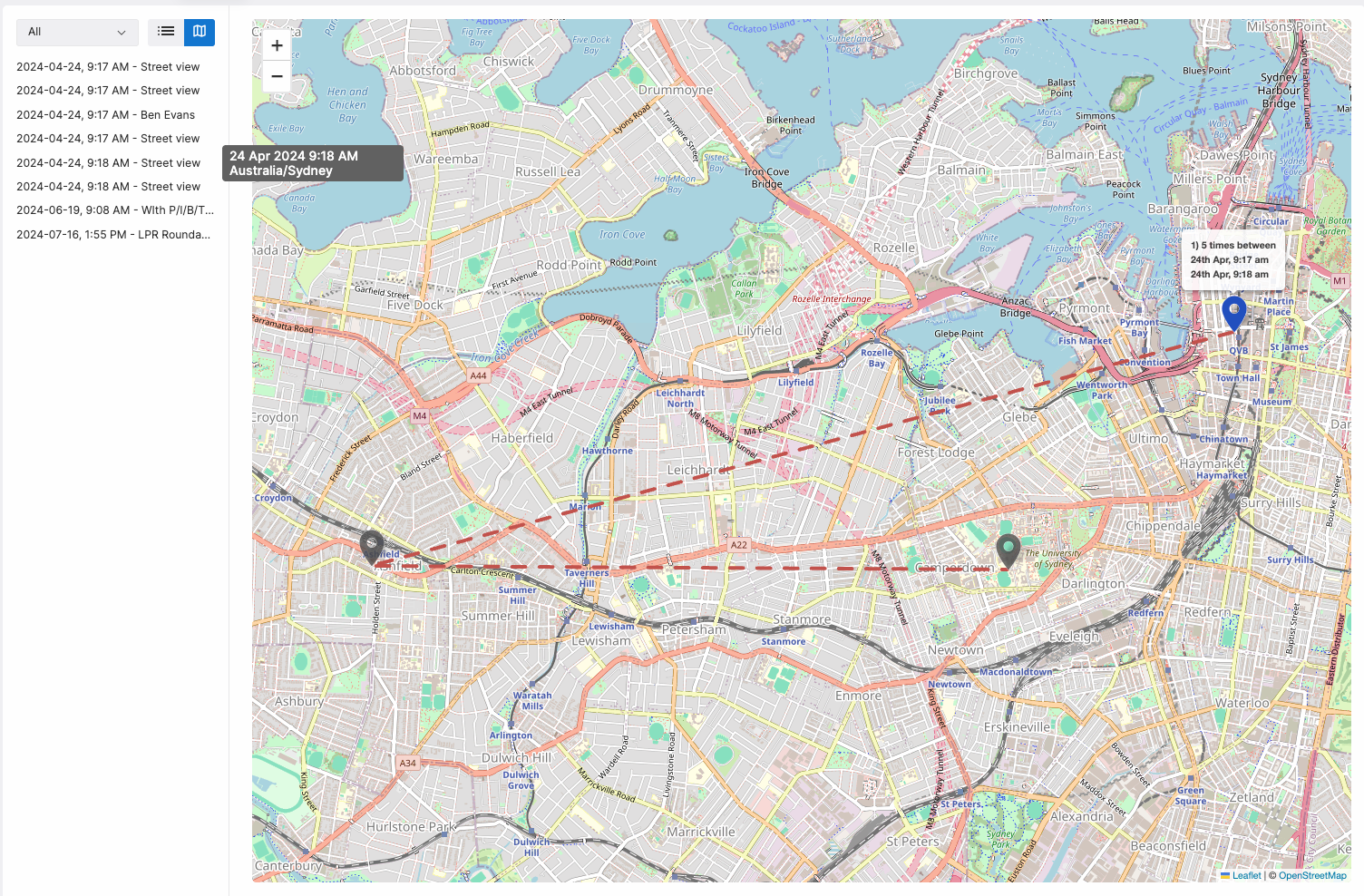
You can also view the detections on a map. In this view, the geolocation points of the relevant cameras are display, along with a line going between them. You can hover over the events in the left hand pane to highlight the relevant map point. Additionally, you can click on a map point and get a list of detections (in the report) which happened at that location.