VixVizion

VisualCortex has partnered with leading Facial Recognition company, VixVizion, to facilitate Facial Recognition in Investigations.
To integrate, you need to have an existing licensed VixVizion instance. From there, you'll need to configure VisualCortex to reference this server. Contact VisualCortex Support to do this.
In Investigations
In Investigations, VixVizion works just like any other model. You get a list of enrolled faces as a drop-down menu, which you can choose and search with. Results appear like any other model.
The only difference is that VixVizion also has a Manage Faces button in the Filters section.
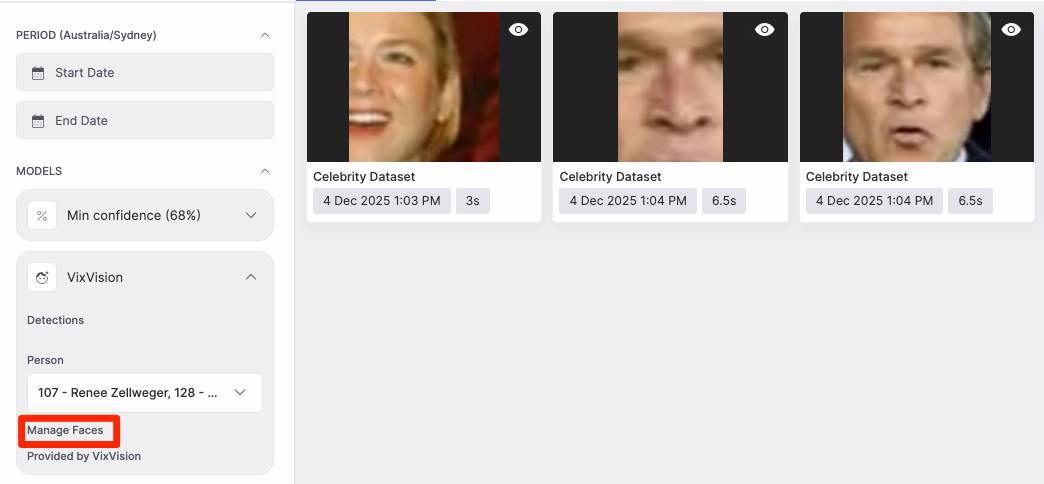
Here, you'll get to see all the enrolled people in the VixVizion database. You can click into people to add additional photos to them, or to remove an enrolled face.

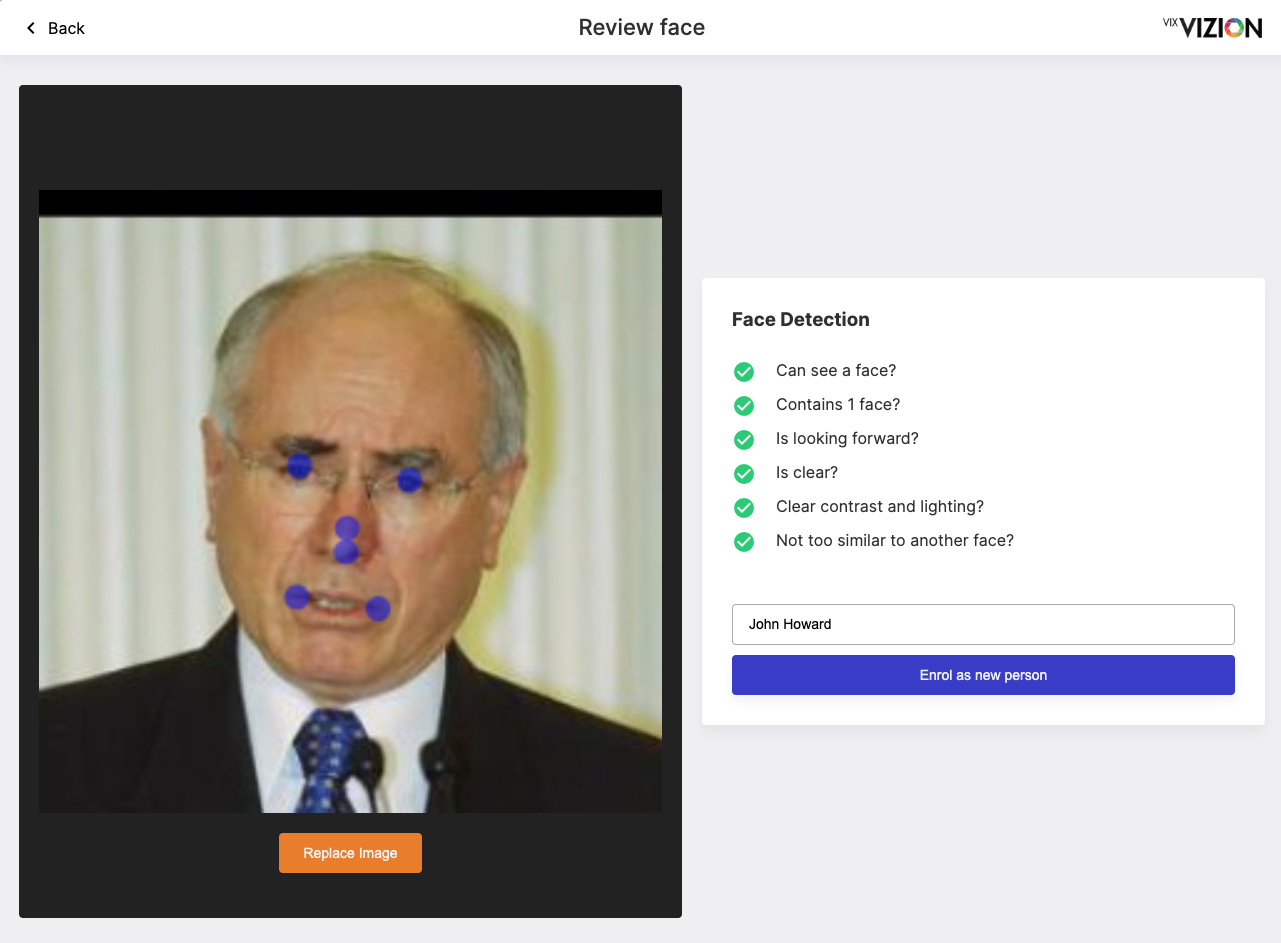
Adding a new person enrolment is as simple as uploading, dragging-and-dropping, or pasting (from your computer's clipboard) into the application.
When adding a face to the application, VixVizion will perform a series of checks before it uploads. Once these checks have been verified, you can add enrol the face with a name.
Searching un-enrolled faces
When you're performing an Investigation, you may not have all your known faces defined before you get started. You can search for these other detections by clicking on the "Other detections in frame" button in the Investigation Search Detection.
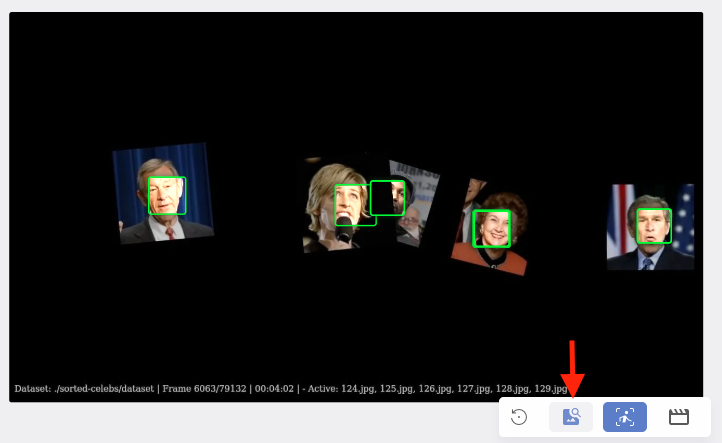
From there, click on the face of interest, and click on the Search for Attributes button.
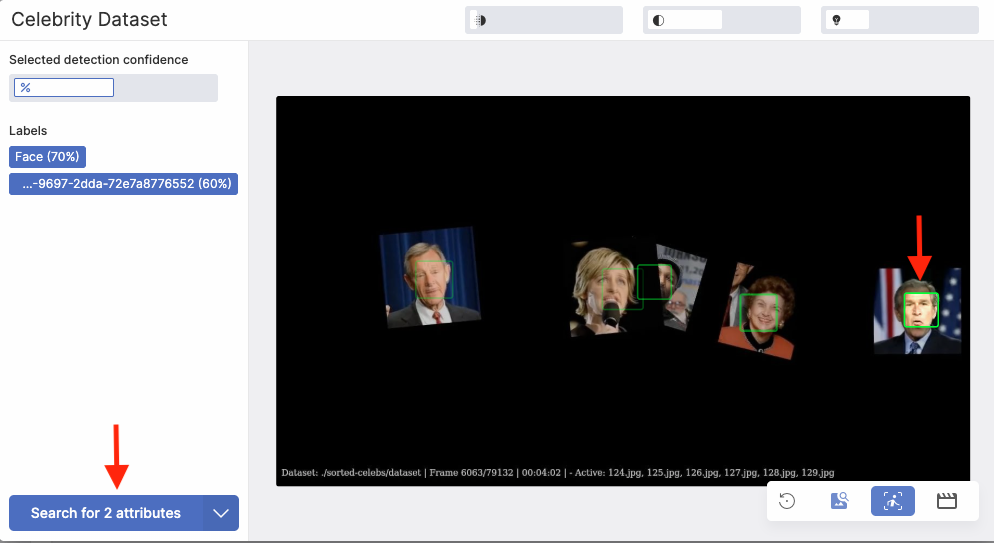
You'll be prompted to name your new search. After this, your search will appear as normal, but the unique Face ID for the face you've selected will be selected.
